Add-on · 13 March 2026
Ubivox launches Pop-up Add-on: A strong supplement to your newsletters
With our new Pop-up Add-on you can work with pop-ups, sticky bars and landing pages as a strong supplement to your newsletters. You decide when they appear, with more than 20 triggers and constraints.
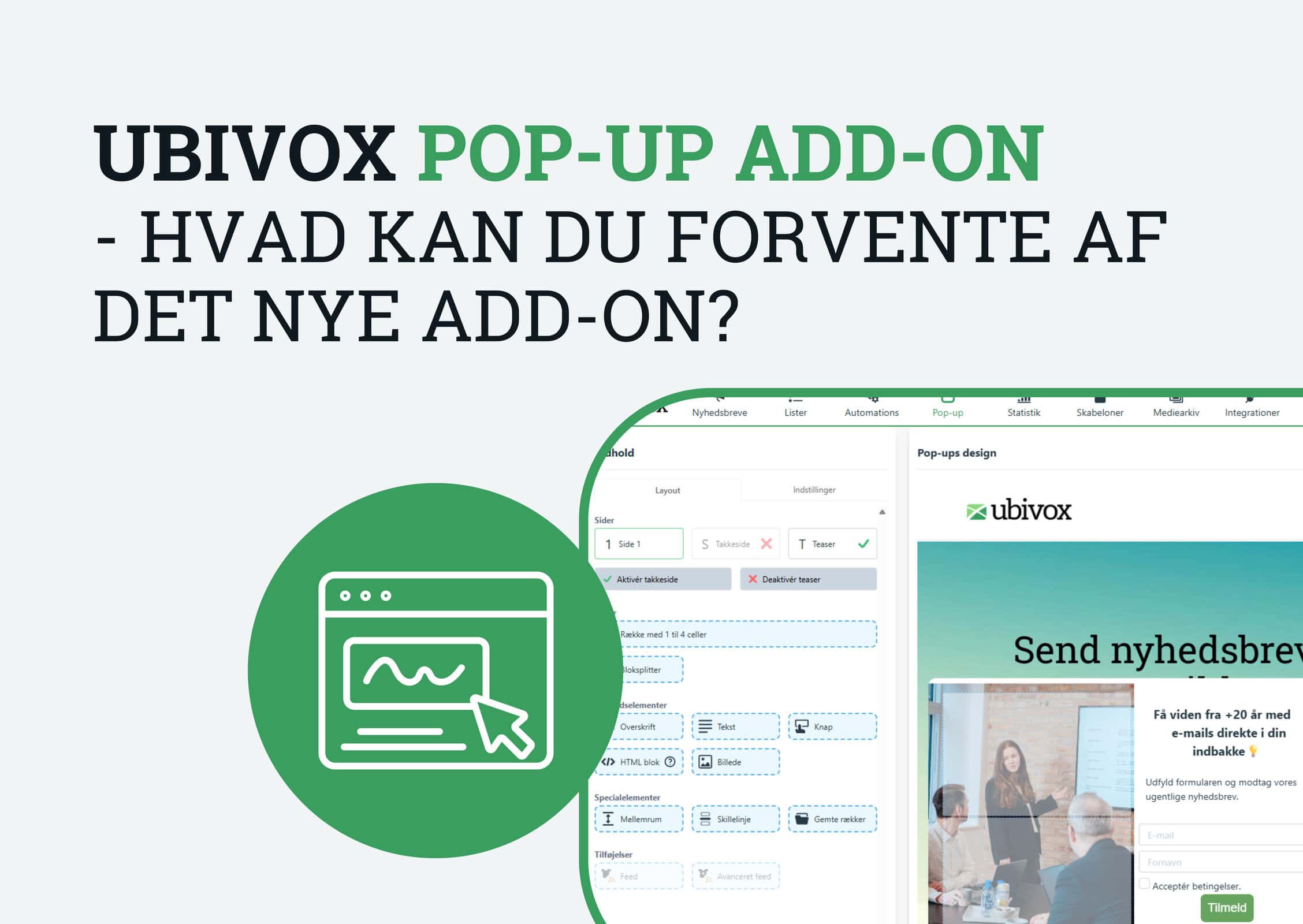
For many people, pop-ups are something you first associate with intrusive banners that appear at the wrong moments. But used well, they can be a strong tool for informing, engaging and getting more sign-ups to your newsletter.
That is why we are pleased to be able to present our new Pop-up Add-on in Ubivox.
The add-on lets you work with pop-ups, sticky bars and landing pages as a strong supplement to your newsletters. For most people, pop-ups will probably be the most obvious place to start. But the solution can also be used more broadly if you want to create more visible communication on your website.
Whether you use Ubivox to inform citizens, members and stakeholders – or to sell products and services – the add-on gives you more ways to get your message across at the right moment.
Pop-up Add-on: A strong supplement to newsletters
A newsletter is still one of the best channels when you want to communicate directly with your recipients. But there is great value in also thinking about what happens before the sign-up – and when someone visits your website.
That is exactly where our Pop-up Add-on comes in.
With the add-on you can, for example, use your website to:
- invite visitors to sign up for your newsletter
- inform people about important changes, updates and news
- highlight relevant messages across pages
- support campaigns and special initiatives with targeted displays
For many organisations and public authorities it is not necessarily about selling, but about making sure important information is actually seen. Here a pop-up or sticky bar can be a simple and effective device.
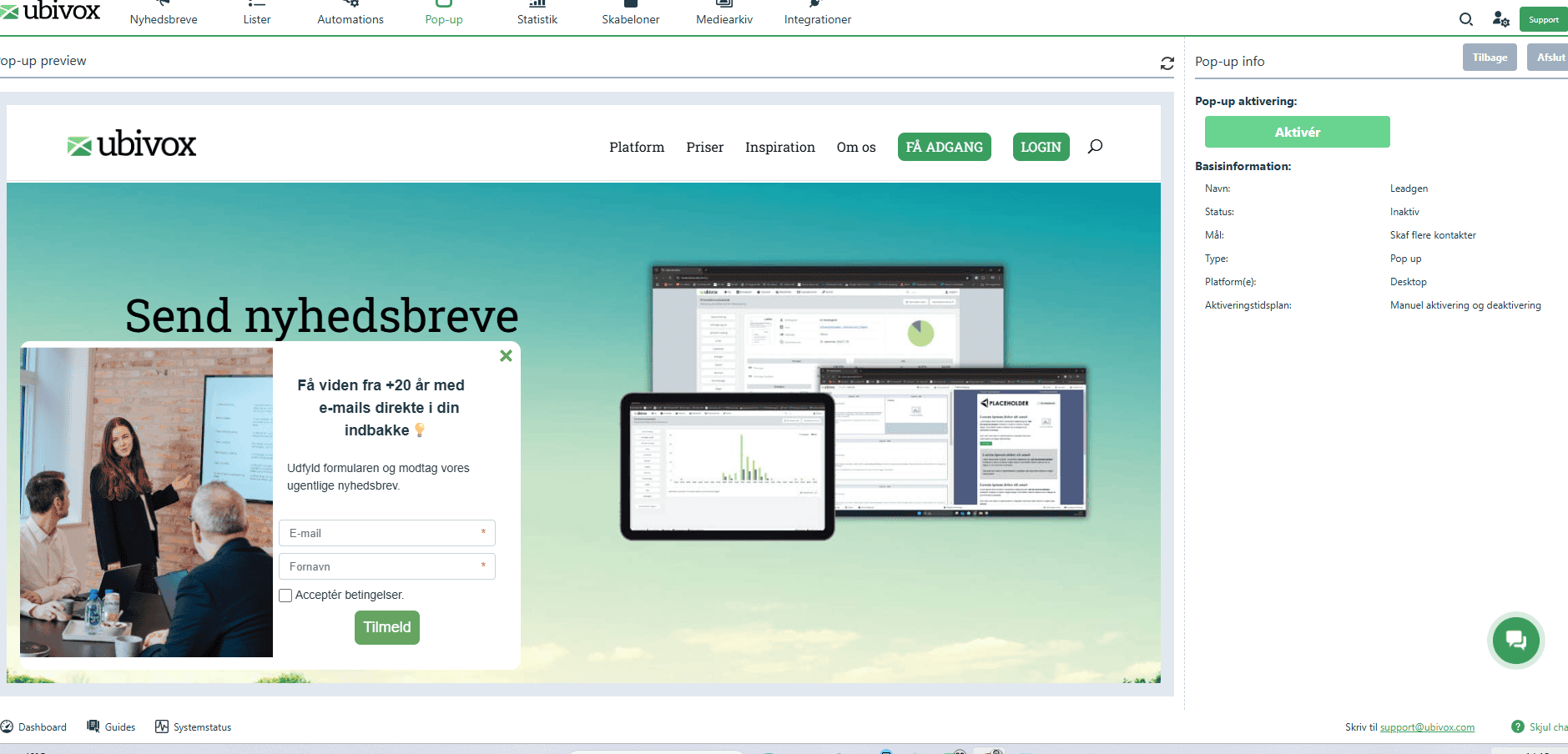
Example of a pop-up for growing your newsletter list.
Use pop-ups for both sign-ups and important information
Pop-ups can be used for more than list growth.
They are an obvious choice if you want to invite website visitors to sign up for your newsletter to get the latest knowledge, updates or relevant offers. But they can just as well be used to convey important information that your visitors should not miss.
That might be:
- changes to opening hours
- important service announcements
- new initiatives, events or programmes
- special campaigns or product news
When the message is shown directly on the website, you increase the likelihood that the visitor actually sees it.
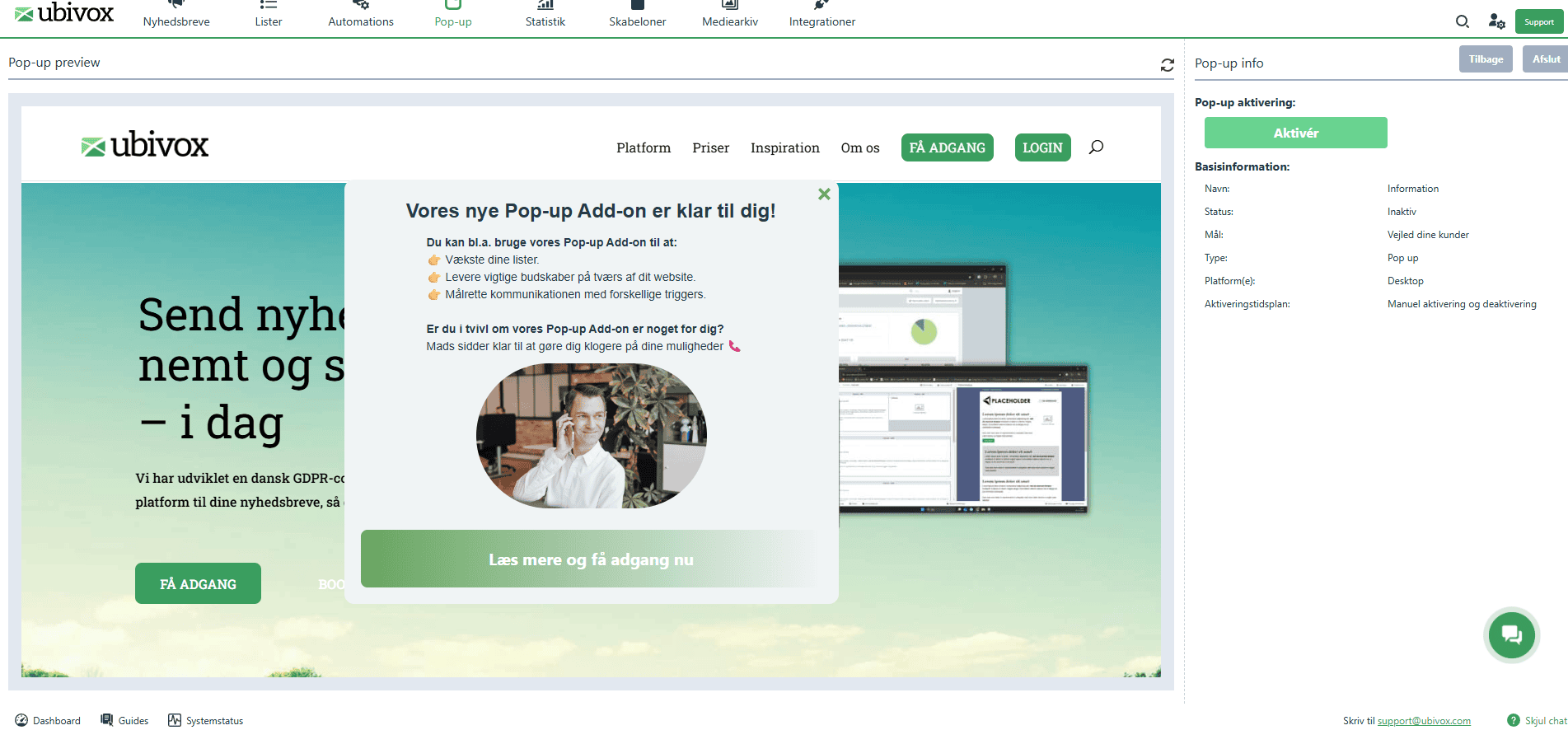
Example of a pop-up for informing and communicating important messages.
Decide for yourself when your pop-ups appear
An important element of the add-on is that you can do more than just create pop-ups – you can also control when they should appear, and when they should not.
You can, for example, set up triggers so that a pop-up only appears once a visitor:
- has scrolled a certain distance down the page
- has been on the page for a certain number of seconds
- visits a particular page or section
At the same time you can set up constraints, so that the display becomes more relevant. For instance, the pop-up should not appear if the person is already signed up for your newsletter.
You can dive into our 20+ different triggers and constraints, which you can combine and build across, so that the criteria for showing your pop-up match the purpose 100%.
That gives you a better opportunity to work more purposefully with your pop-up – and to be less intrusive towards recipients it is not relevant for.
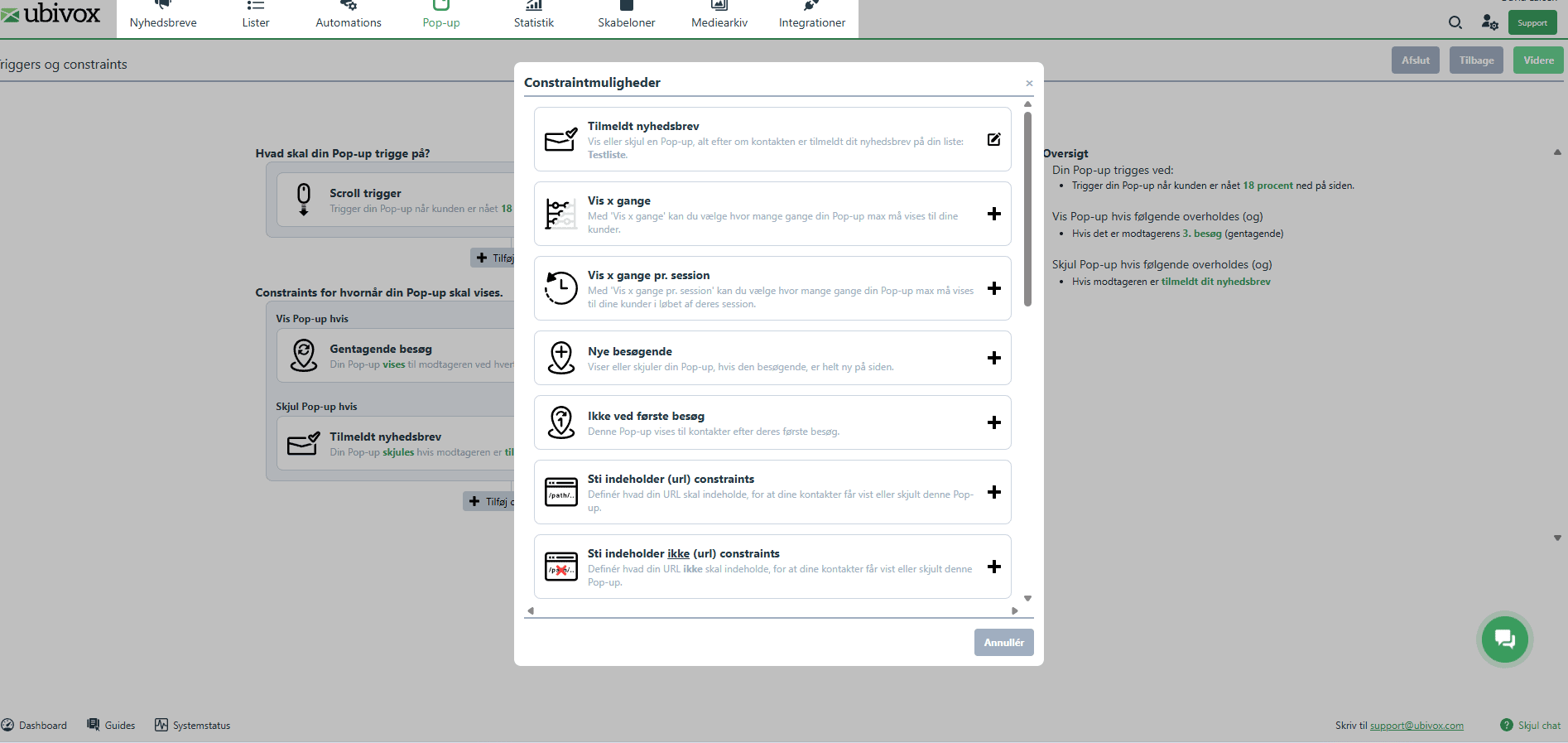
A selection of your options with triggers and constraints, which determine when your pop-ups appear.
Several layouts and an unlimited number of pop-ups
The need is not always the same.
Sometimes you need a simple pop-up for newsletter sign-ups. Other times you need a sticky bar for a short message at the top of the site. And in some cases a landing page may be the right solution if you want to focus all attention on one particular message.
With the Pop-up Add-on you can work with different layouts for different purposes and create an unlimited number of pop-ups.
That gives you flexibility for both simple and more advanced use cases.
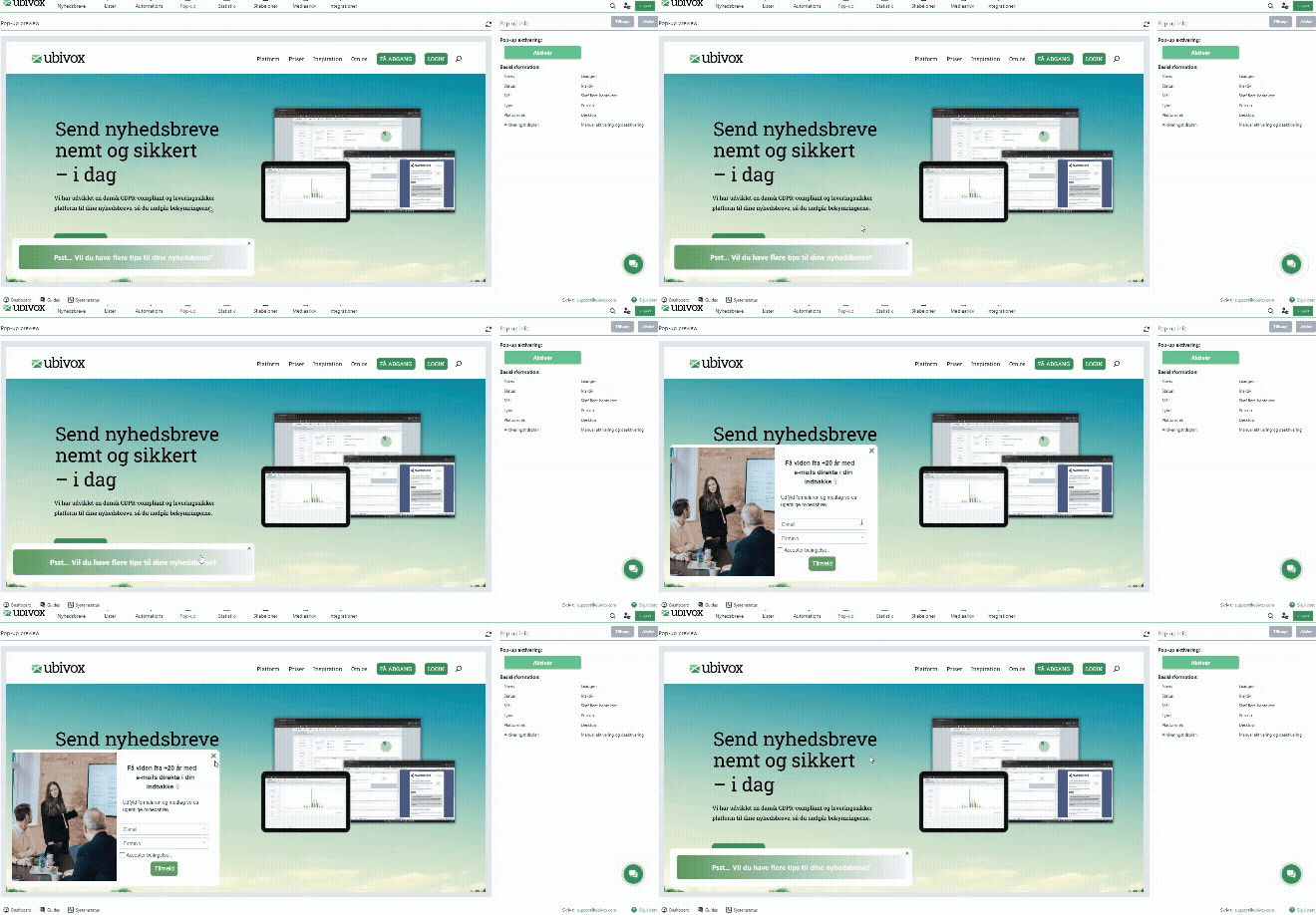
Example of a design option with an animated teaser for your pop-up.
A new tool for more visible digital communication
With our Pop-up Add-on we want to give you even more ways to work effectively with digital communication alongside your newsletters.
For some it will first and foremost be a tool for getting more sign-ups. For others it will be a simple way to make important information more visible on the website. And for some it will be both.
The common denominator is that you get a flexible tool that can support your work to reach people with the right messages at the right moments.
You can read more about our Pop-up Add-on, see pricing and see how to get access here:
Do you have questions about our Pop-up Add-on?
As always, you are welcome to get in touch with our support team if you have questions about your work in Ubivox, about your options, or if you would like to get started with pop-ups.