Platform · 6 January 2026
Ubivox introduces the 2.0 update: New design, new features and more scope for better newsletters
Ubivox 2.0 comes with a new design, new features and more scope for taking your newsletters to the next level. Read about the new editor, better automations, more segmentation options and the process for moving your account.
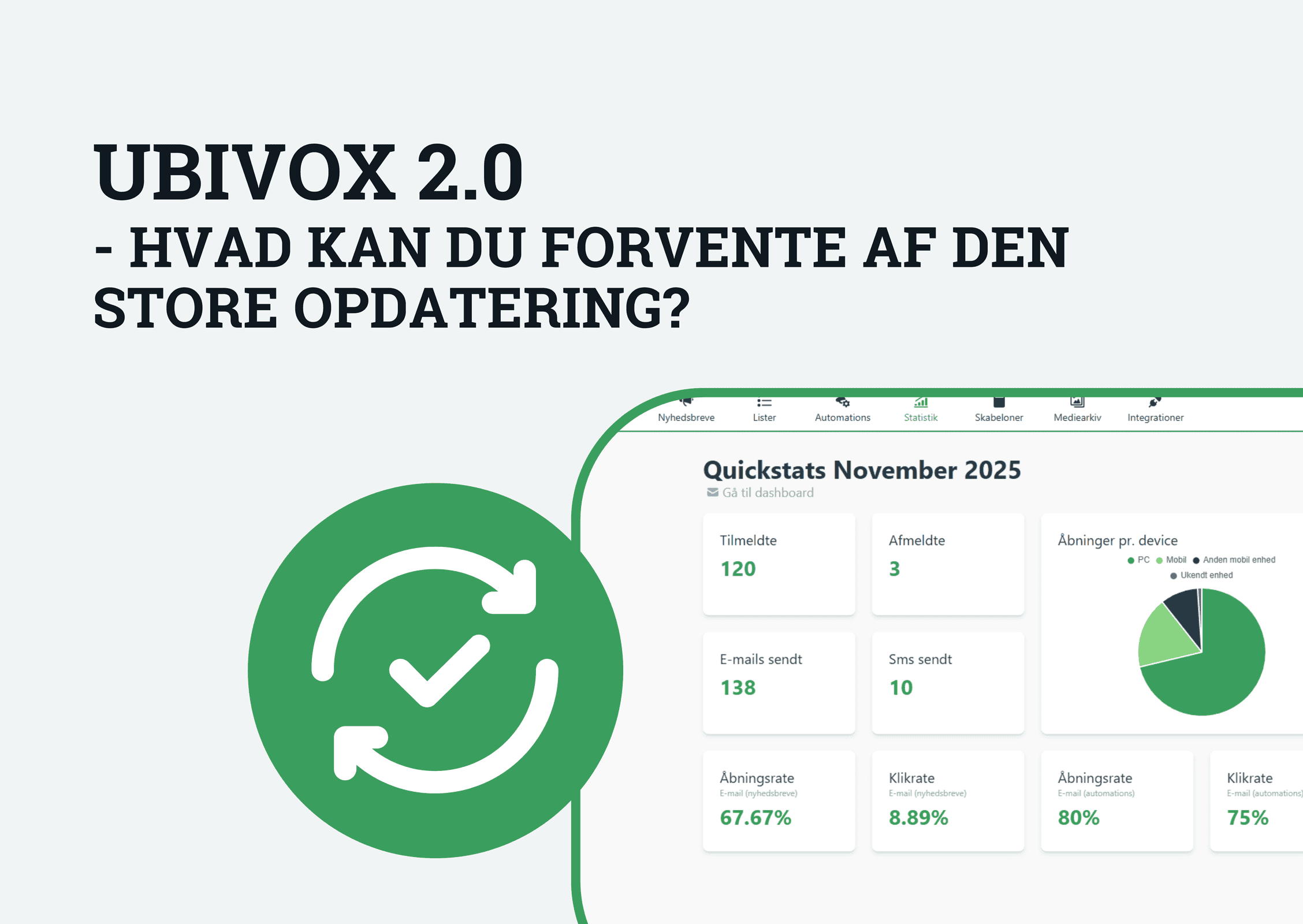
Benefits of switching to Ubivox 2.0
The wait is over! The Ubivox 2.0 update is here, with a new design, the addition of new features and more scope for taking your newsletters to the next level.
The new update is already available. As a new customer you automatically get an account in Ubivox 2.0 – and as an existing customer you can move your activities from the old Ubivox to 2.0 today.
In this post you can read more about what to expect from the update, why we are presenting it now, the process for implementing the update, and the significant changes you can look forward to.
What can you expect from the Ubivox 2.0 update?
“We are of course very excited about this major update, which first and foremost takes our platform to a design level that is more in keeping with the times. Because although we have long made it a priority to offer a user-friendly platform, our look and feel had not been updated for a very long time. That was the first thing we looked at: a new design without compromising on ease of use.
At the same time, the new update sees us introduce a wealth of new features and options which – in all modesty – can lift our customers’ work with newsletters to an even higher level. That includes features such as new options for automated emails and better segmentation options in newsletters.”
Jeff Rasmussen, CEO, Ubivox
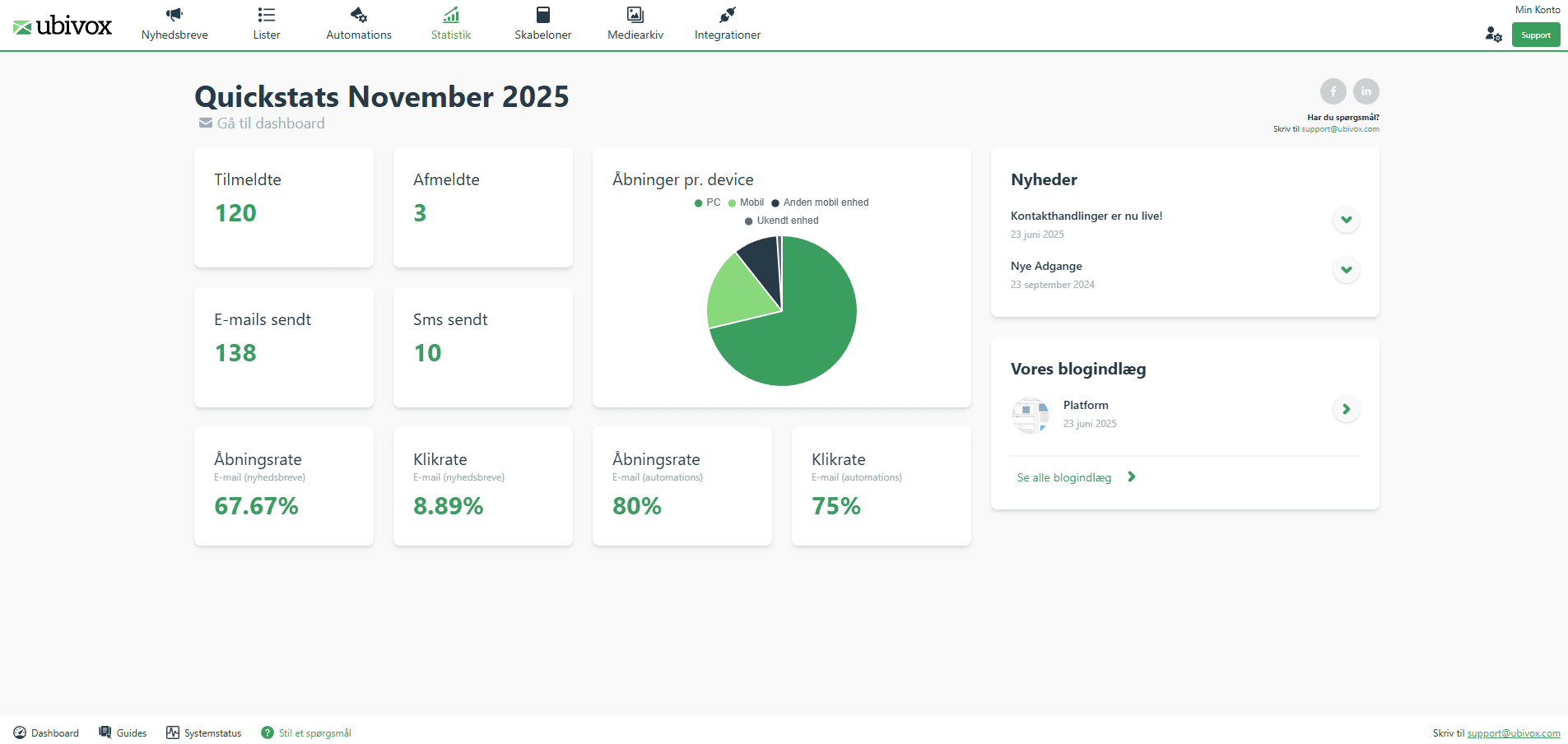
The first thing you will notice in Ubivox 2.0 is the updated design.
Why are we presenting the big Ubivox 2.0 update now?
“Besides our own enthusiasm for the update, we also know that several of our customers have been waiting for it. Over the past year or so we have gathered a great deal of feedback – some things we have of course changed along the way, but other things we have put on a pile. And now the time had come to go through that pile and implement some of the requested solutions.
At the same time, one of our biggest driving forces at Ubivox is being able to offer one of the most user-friendly newsletter platforms on the market. So we sat down and looked at how we can continue to maintain that standard in future. But the wish list quickly became so long that it made most sense to do one big update rather than rolling out several smaller updates bit by bit.
The timing of the Ubivox 2.0 update is also connected to the fact that we are about to move our servers, where we have chosen to switch to a Danish solution. That requires a major update behind the scenes, and so we are combining the two now.”
Jeff Rasmussen, CEO, Ubivox
The process for implementing the update
Technically, the update will not be rolled out on your existing solution, as you may know from previous updates. As part of the update, your activities have to be moved over to our new solution. In early 2026 a beta version will be released, which you can move over to while still keeping and using your account in the old Ubivox system.
We do not, however, recommend having activities in both systems at the same time, as it increases the risk of errors, of recipients receiving the same emails twice, of unsubscribes not going through in both systems, and so on.
As part of the move to Ubivox 2.0 there will be some changes you need to make. And here we are of course also on hand to advise and help.
We have naturally worked to automate as much of the process around the update as possible.
To be moved over to our Ubivox 2.0 solution, the account administrator needs to contact us. After that, most of the content from the account is moved across automatically.
There are, however, a couple of things that require manual work before your account is fully ready to run solely on our Ubivox 2.0 solution:
- Updating any sign-up forms on the website.
- Creating users again.
- Adjusting minor details in the opt-in email.
- Journeys are not copied across and therefore have to be set up again.
Templates are not copied over and have to be rebuilt. Previously sent newsletters and statistics come across as PDF files. And your images are moved across as well, along with your lists and recipients.
You can read our guide to moving to Ubivox 2.0 here:
Guide to moving to Ubivox 2.0 in Danish
Significant updates in Ubivox 2.0
The update naturally also brings a number of new features. Below we have highlighted a few of the most significant updates.
New editor
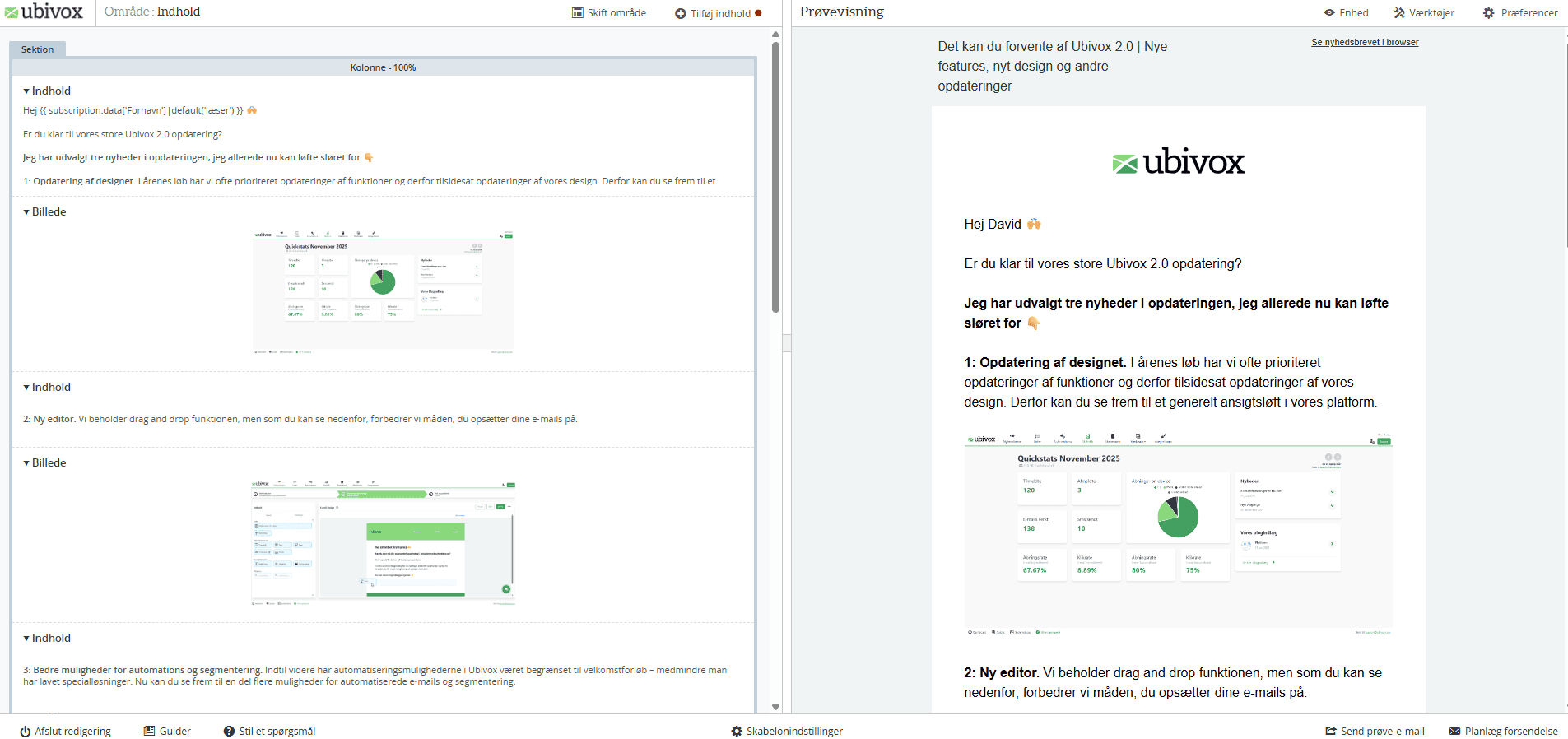
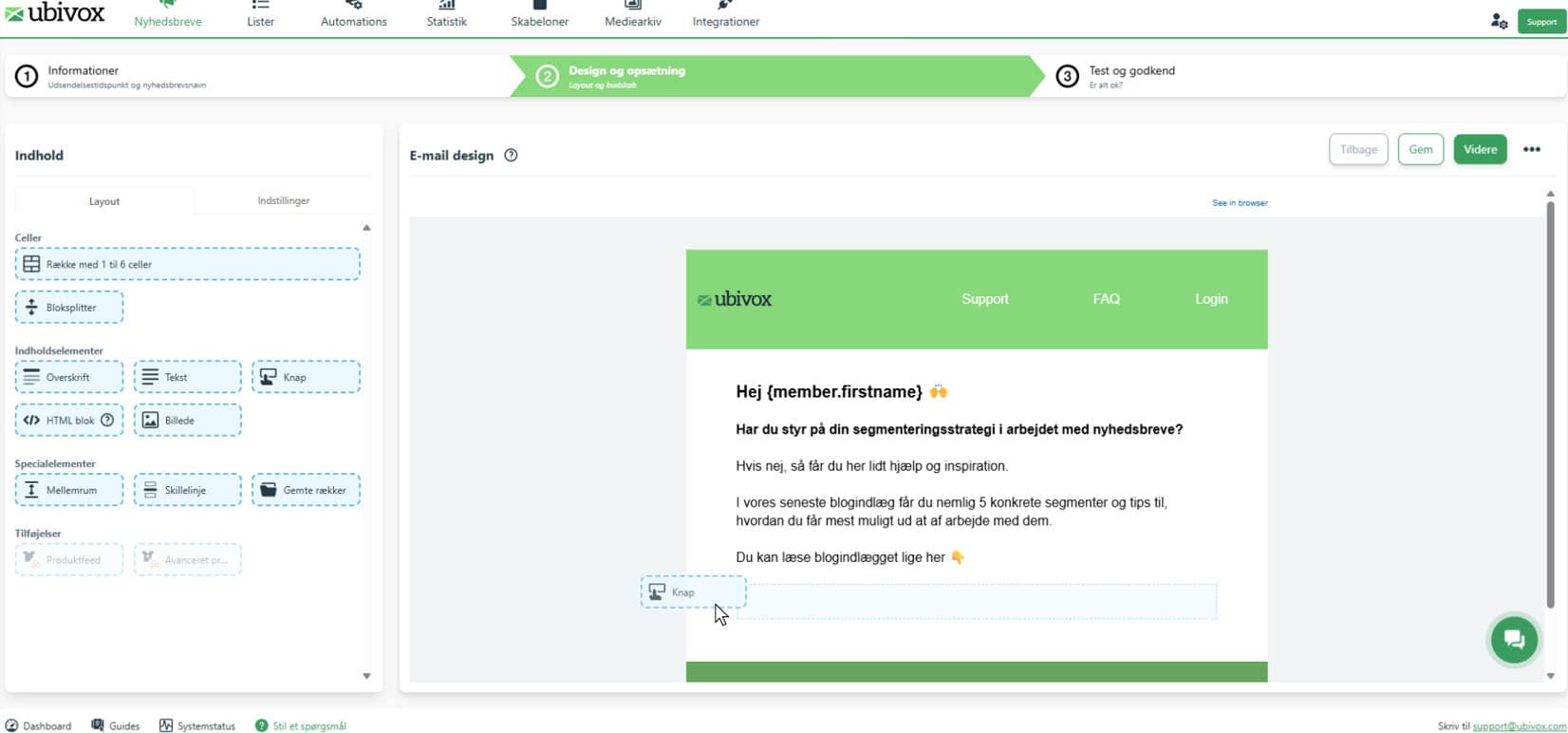
The new editor is built (like the previous editor) around drag-and-drop functionality. But whereas in the previous editor you had to drag the elements into a section on the left-hand side while viewing a preview of the email on the right, you now simply drag the elements straight from a menu on the left into the email shown on the right.
In the preview of the email on the right, you can now adjust the various cells and rows, as well as delete, save or duplicate them quickly and easily.
Better options with email automations
In the previous version of Ubivox it was possible to create automated emails as journeys – that is, what most people know as a welcome journey or welcome flow. That solution was based on what our customer segment had needed for a long time. It was also possible to build bespoke solutions to automate emails based on particular actions. As our customer segment grows and changes, however, we have seen a need to update this part.
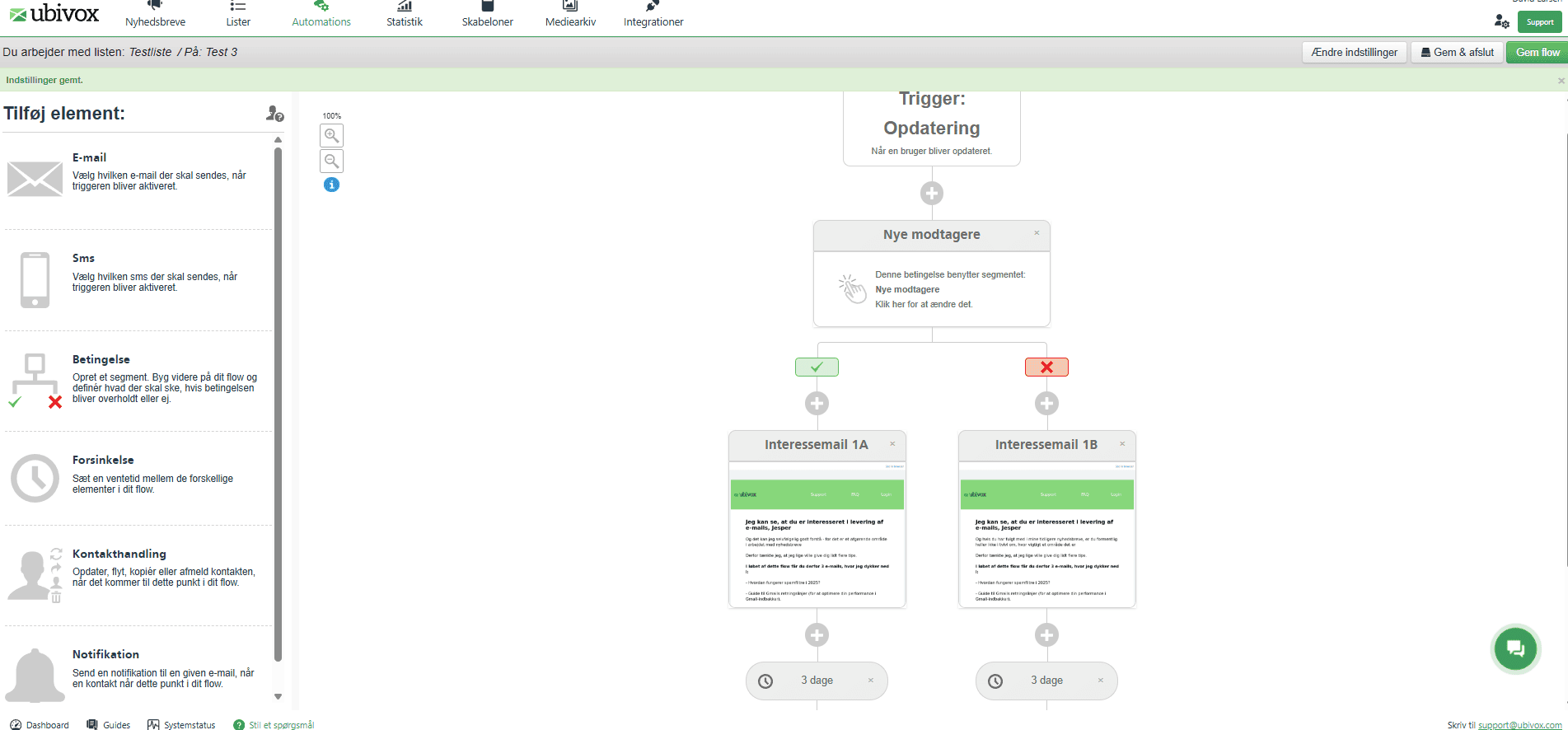
In Ubivox 2.0 you therefore get far more options. You can now create branched flows and not just welcome journeys. You can, for example, start a flow with yes/no constructions based on members’ data, or set up flows based on the source of the member’s sign-up.
More segmentation options
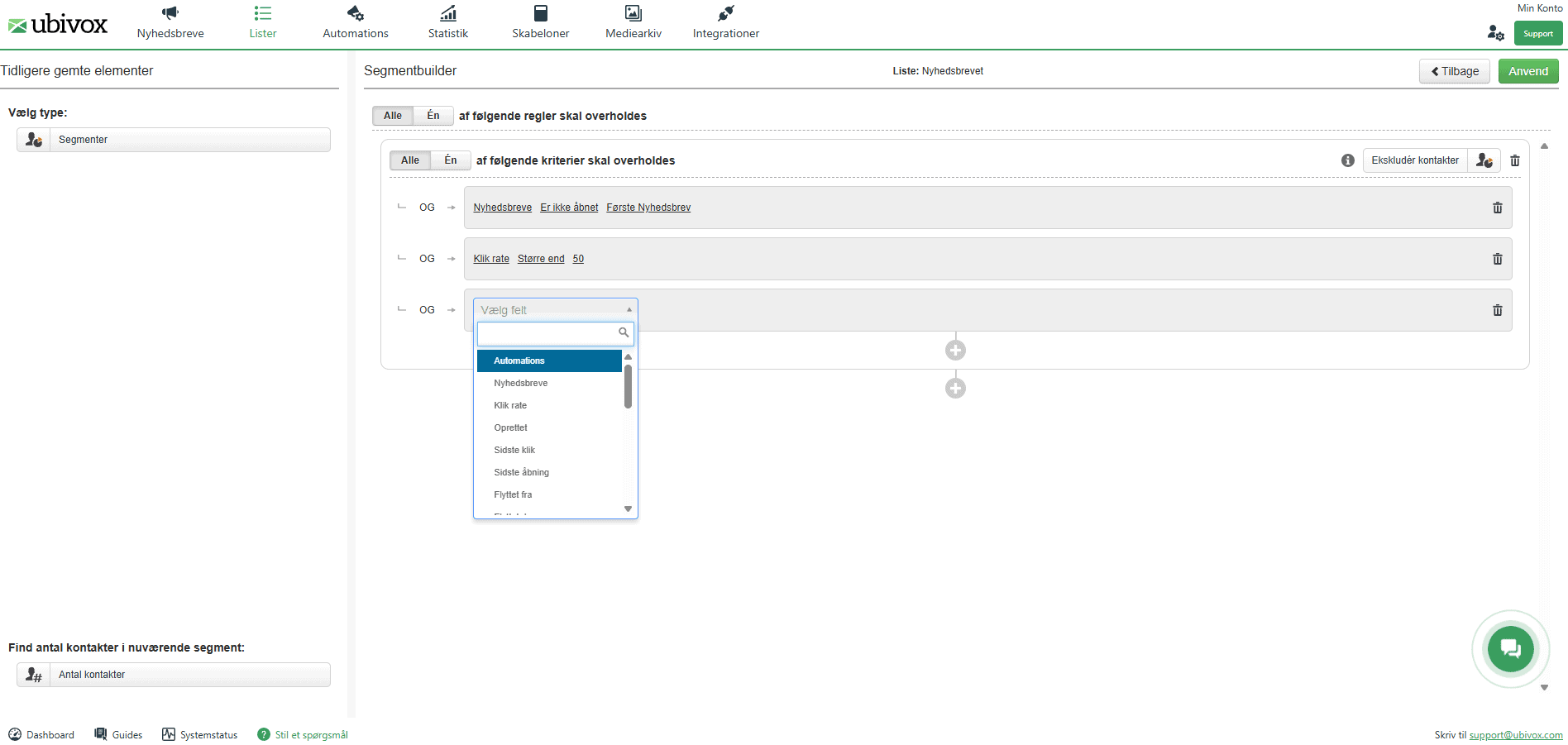
An important tool when you want to deliver more relevant content to individual recipients is the segmentation of messages. In the new update we have therefore added more options for exactly that. That includes the addition of segmentation options based on the recipient’s actions and interactions with your emails.
Improved work with forms plus the option of pop-ups
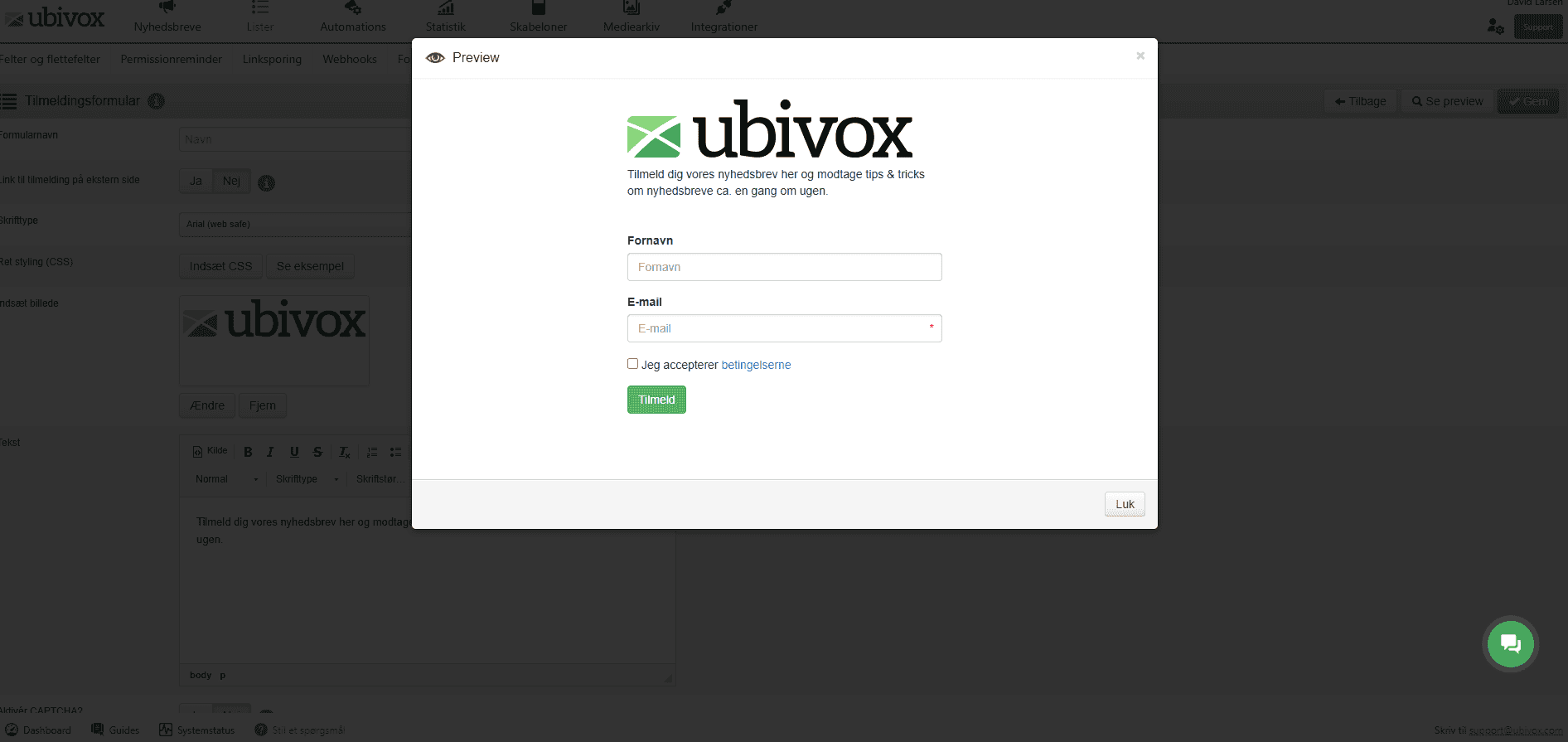
In the new update we are changing the approach to using forms. Specifically, your forms in Ubivox (for example sign-up forms) can now be delivered via iFrame. As well as giving you more control over the design, it means that your changes to a form will automatically be reflected wherever you use the form (for example on your website). You also get more options, such as control over field types in individual forms, full styling of forms and the ability to work with update forms.
As part of Ubivox 2.0 you will at the same time be able to work with pop-ups on your website. That could be for lead generation or for information and offer campaigns, for example.
Direct integration with Meta
We already have a number of customers today who have integrated activities in Meta (for example lead ads) with their Ubivox account. Until now, though, it has been necessary to use a third party (for example Zapier) to transfer data. In Ubivox 2.0 you can do without that workaround, as we now offer a direct integration with Meta. That makes it faster and easier to work with lead generation in the form of lead ads on Meta to grow your lists in Ubivox.
Addition of a direct integration with feeds
If you have a feed on your website – for example an RSS feed with news or a product feed in a webshop – you can use our new feed feature to pull content straight from the website into your email. That way you avoid the copy-and-paste work, as elements such as images, titles and descriptions are added to the email automatically when you drag the element into it.
Do you have questions about Ubivox 2.0?
As always, you are welcome to get in touch with our support team if you have questions about your work in Ubivox, about your options, or about what the Ubivox 2.0 update means for you.